Turn Portraits into Living Videos with AI
Headshots · profile photos · family portraits · the smile that finally moves
Short answer: Portrait animation is the most mature use of image-to-video AI: a single headshot becomes a few seconds of the person smiling, blinking, or turning toward the lens. Current models preserve facial identity well on clear photos — the person looks like themselves, just moving. On img2video.pro a portrait clip costs 25–35 credits, renders in Grok Imagine, Kling 2.6, or Veo 3.1, and every account starts with 15 free credits.
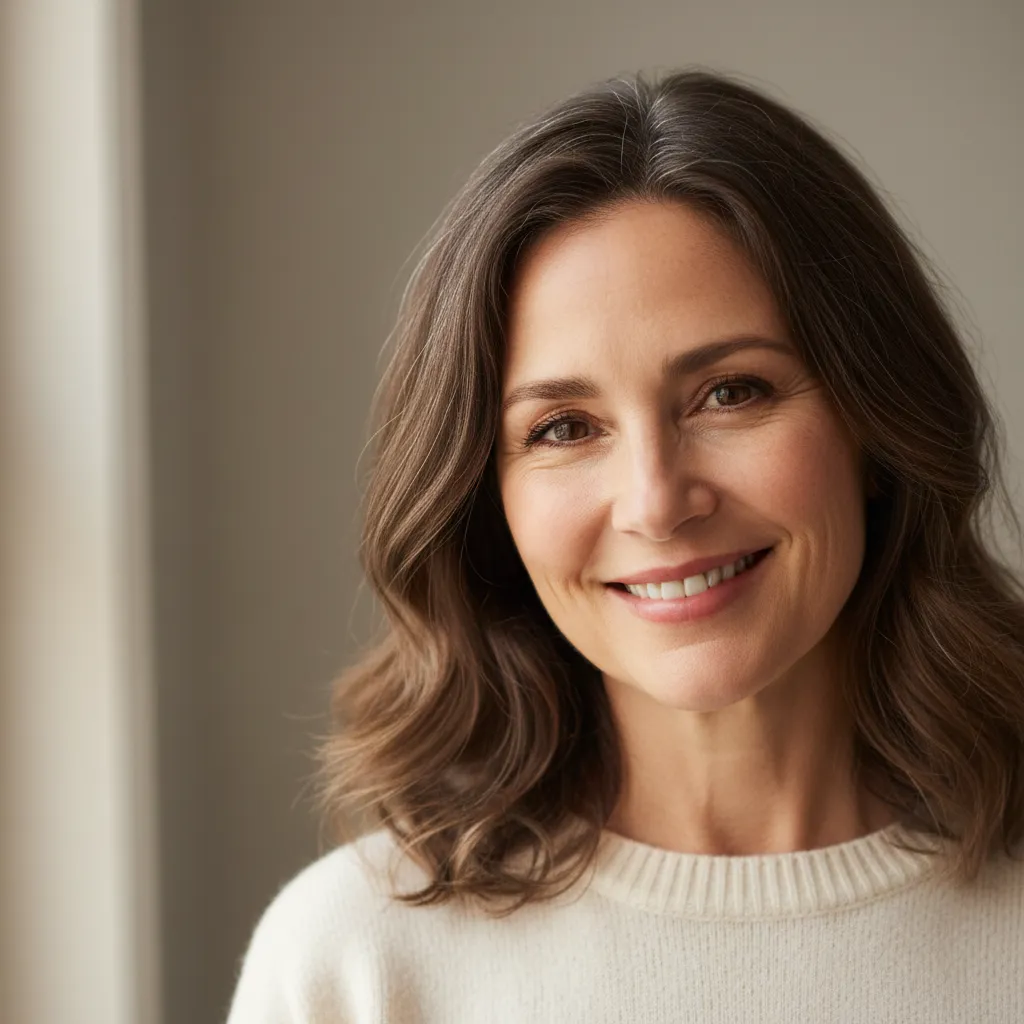 📷 Still
 🎬 AI motion
The three portrait motions that always work
- The smile. "She smiles warmly and blinks once, everything else still" — the safest and most-used portrait animation.
- The glance. "He turns his head slowly toward the camera" — great for profile photos with a slightly off-axis gaze.
- The breath. "She takes a soft breath, subtle shoulder movement" — barely-there motion that makes a headshot feel alive without uncanny risk.
What to avoid: speech ("she says hello" — mouths go wrong), big laughs on already-smiling photos (overshoots), and multi-action prompts. One motion per clip, always.
Keeping the face the face
Identity drift is the failure mode everyone fears. It is rare on good inputs and almost always traceable to one of these:
- Small face in frame. Crop tighter — the face should be a third of the image or more.
- Low resolution. Under 720p the model invents detail; invented detail is not your face.
- Heavy filters. Beauty filters smooth away the features the model anchors on. Upload the unfiltered original.
- Wrong model for the job. Grok and Veo lead on faces in our testing; use them for people and keep Kling for products and scenes.
Where people actually use animated portraits
- LinkedIn and bios. A moving headshot on a personal site — visitors remember it.
- Dating profiles. One animated photo among stills measurably lifts engagement.
- Author photos and press kits. Editors pick the moving thumbnail.
- Memorial and family. The same tech as animate-old-photos, applied to any era of portrait.
Try it now
New accounts get 15 welcome credits — enough to render a first clip before paying anything. Credits start at $5.90 for 60, never expire, and there is no subscription.
Animate your portrait